 ⌥ Space
⌥ Space
⌥ Space
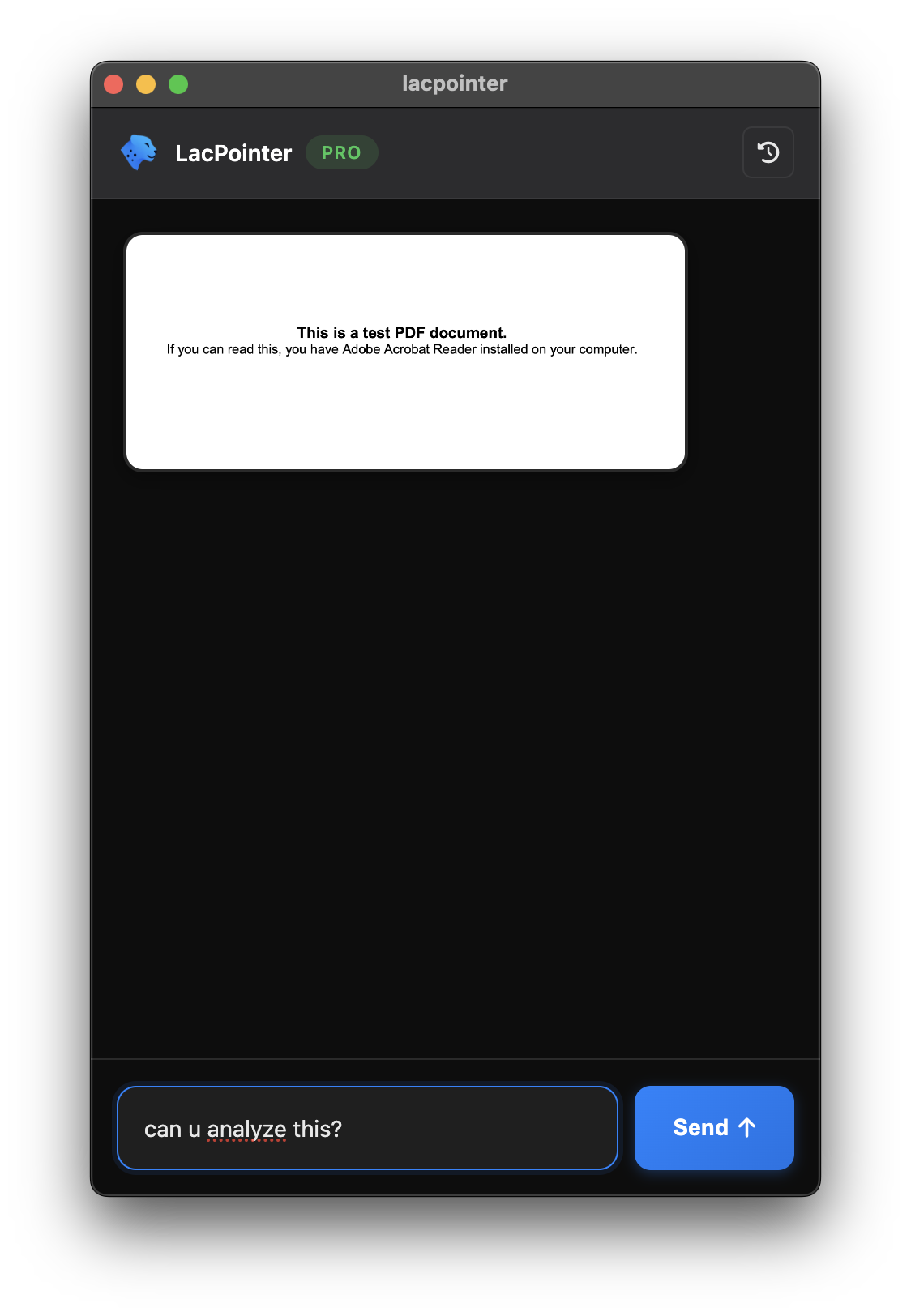
Skip the browser. Screenshot anything, ask questions, get instant AI answers. Right from your desktop.
By Lac AI
Loading...
Lightning-fast screenshot analysis powered by AI
Press ⌥Space (Mac) or Ctrl+Alt+Space (Windows). Capture any area instantly.
Get code explanations, design feedback, or data insights instantly.
Conversations continue across screenshots for deeper insights.
Floating interface works across all workspaces and applications.
Screenshots processed securely. Your data stays private.
Access past conversations and screenshots anytime, anywhere.
From code debugging to design feedback, LacPointer analyzes your screenshots and provides instant, contextual insights.
Start free, upgrade when you need more